Waveform
The track is the centrepiece
Zoom to the bar and scrub to the beat. Tempo, key and sections are found on upload, and stay editable.
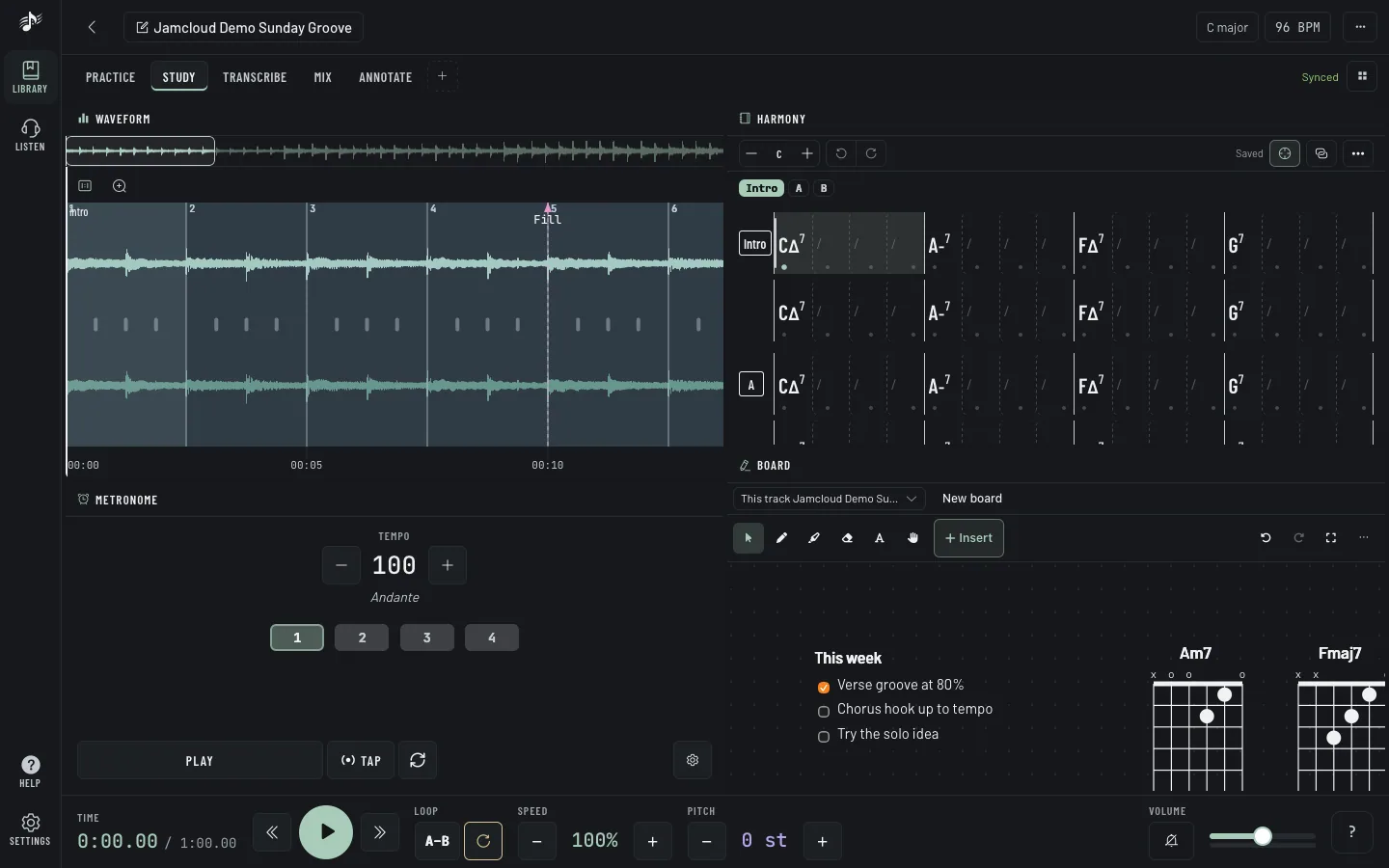
Every panel below is in every plan. Arrange them in layouts, on a laptop, a tablet or a phone on the music stand.
Zoom to the bar and scrub to the beat. Tempo, key and sections are found on upload, and stay editable.
Intro, verse, chorus, solo: each section type has one colour, everywhere in the app.
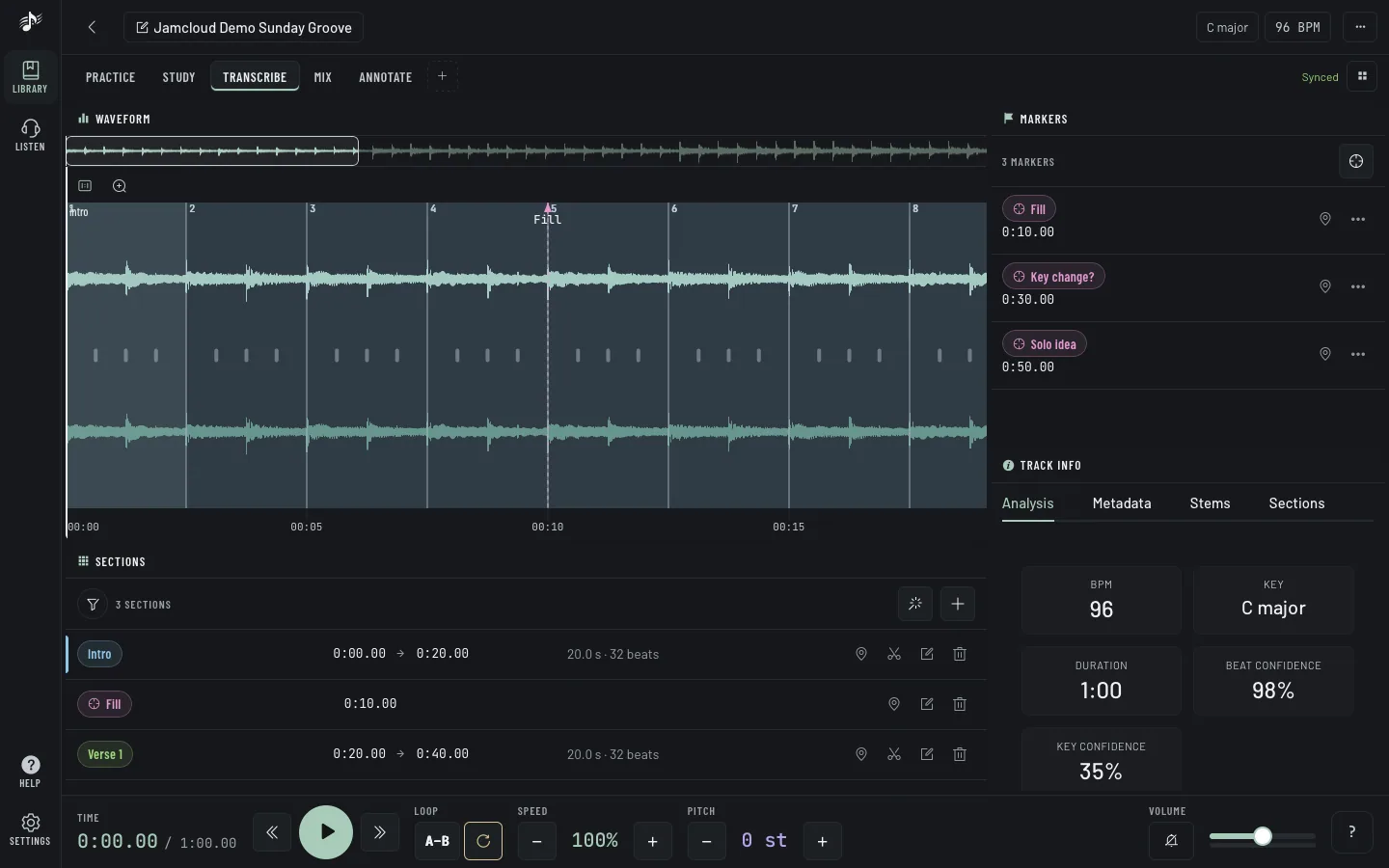
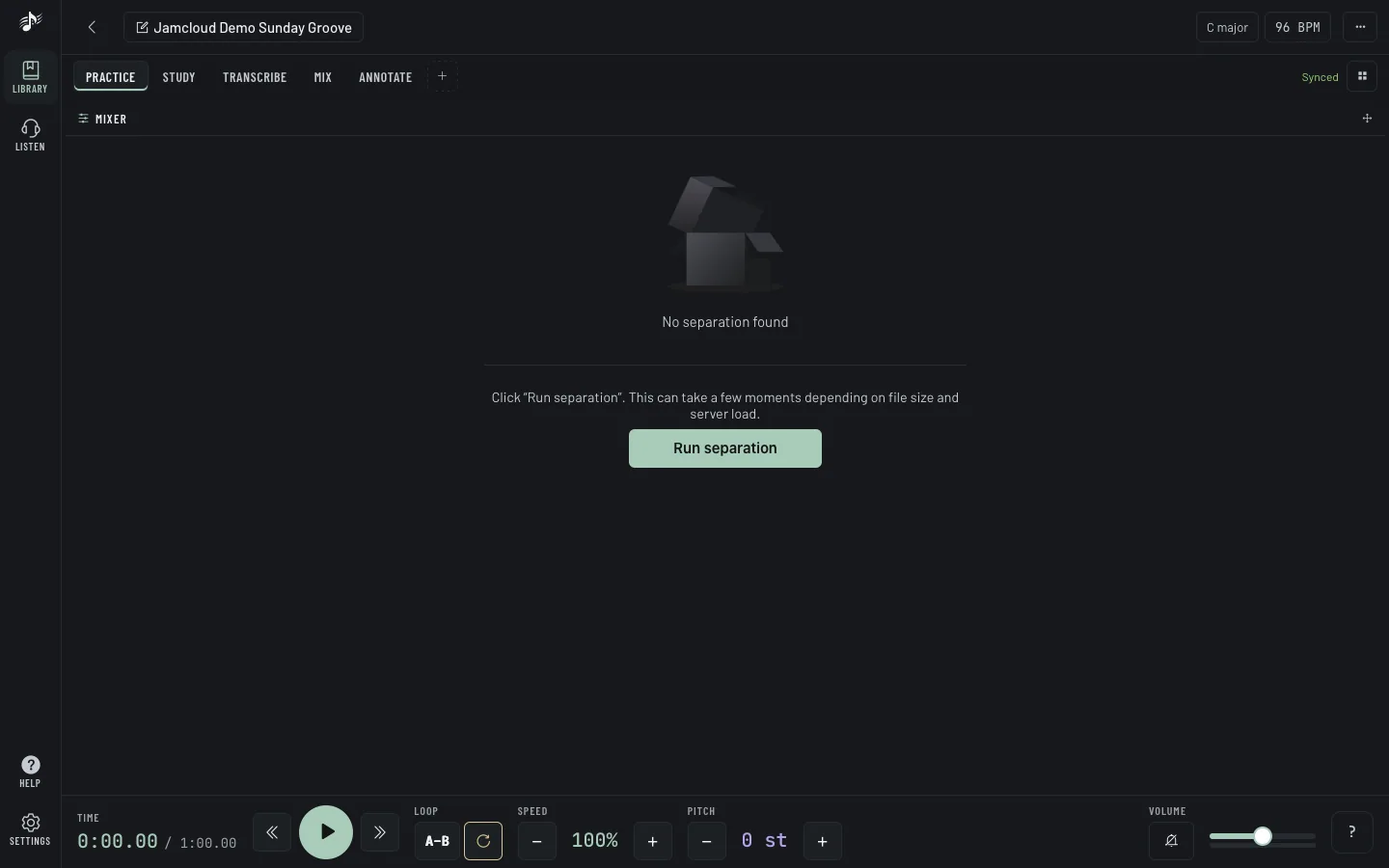
Split a track into drums, bass, guitar, keys, vocals and the rest. Mute, solo, and rehearse with the band in your headphones.
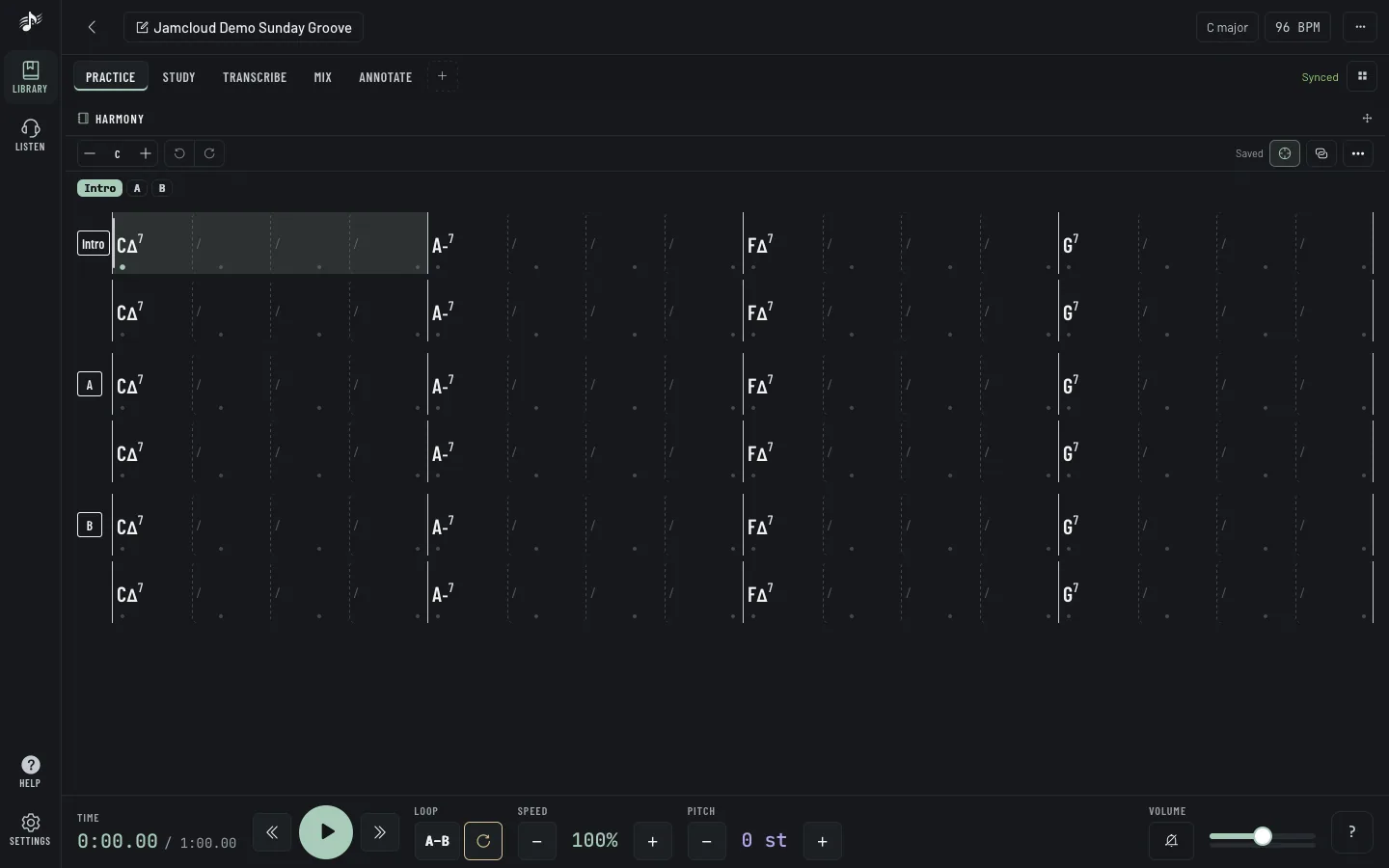
A chord grid synced to the audio, next to Guitar Pro and MusicXML scores.
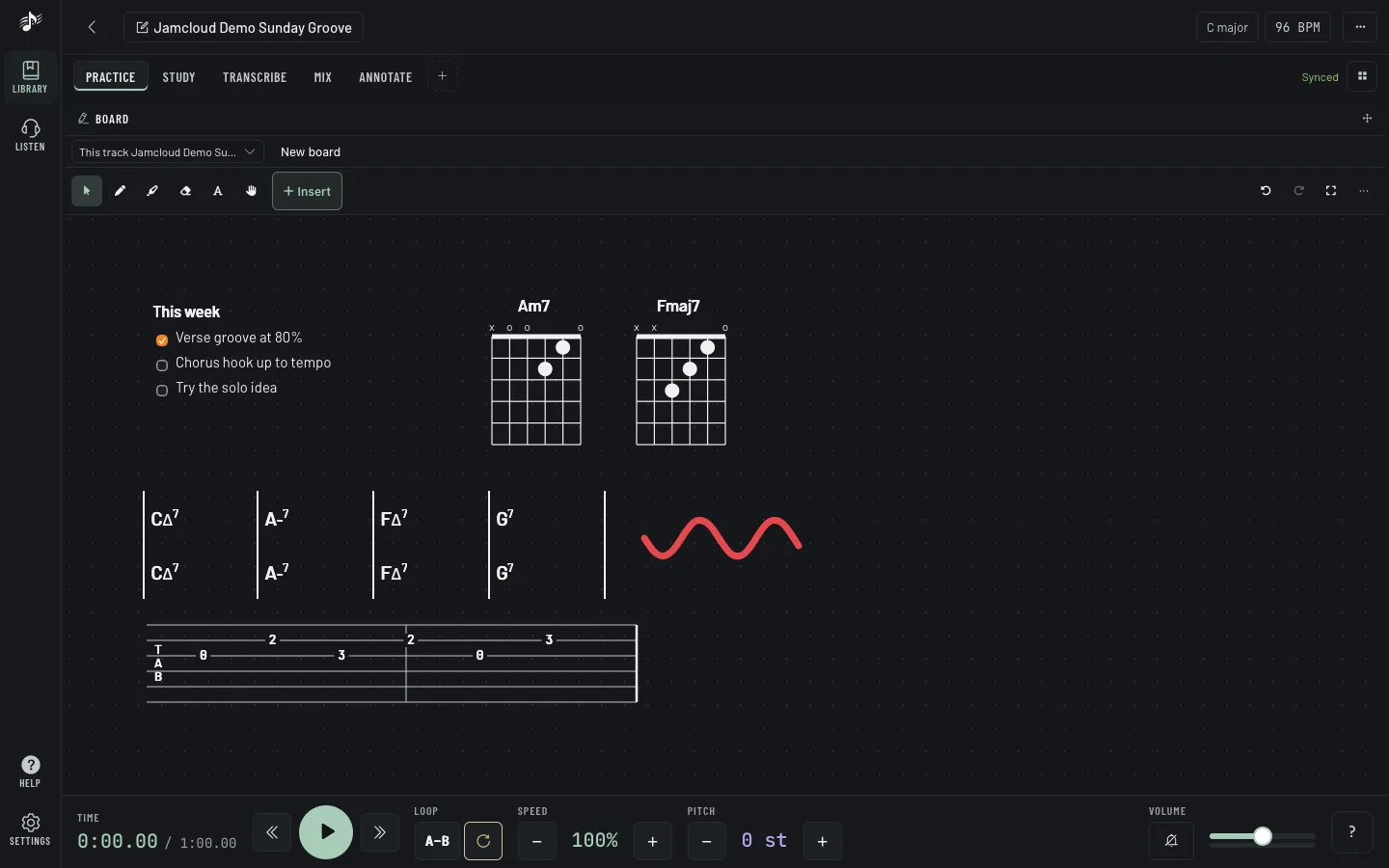
Text, ink, staffs, tabs and chord diagrams, live for everyone in the workspace.
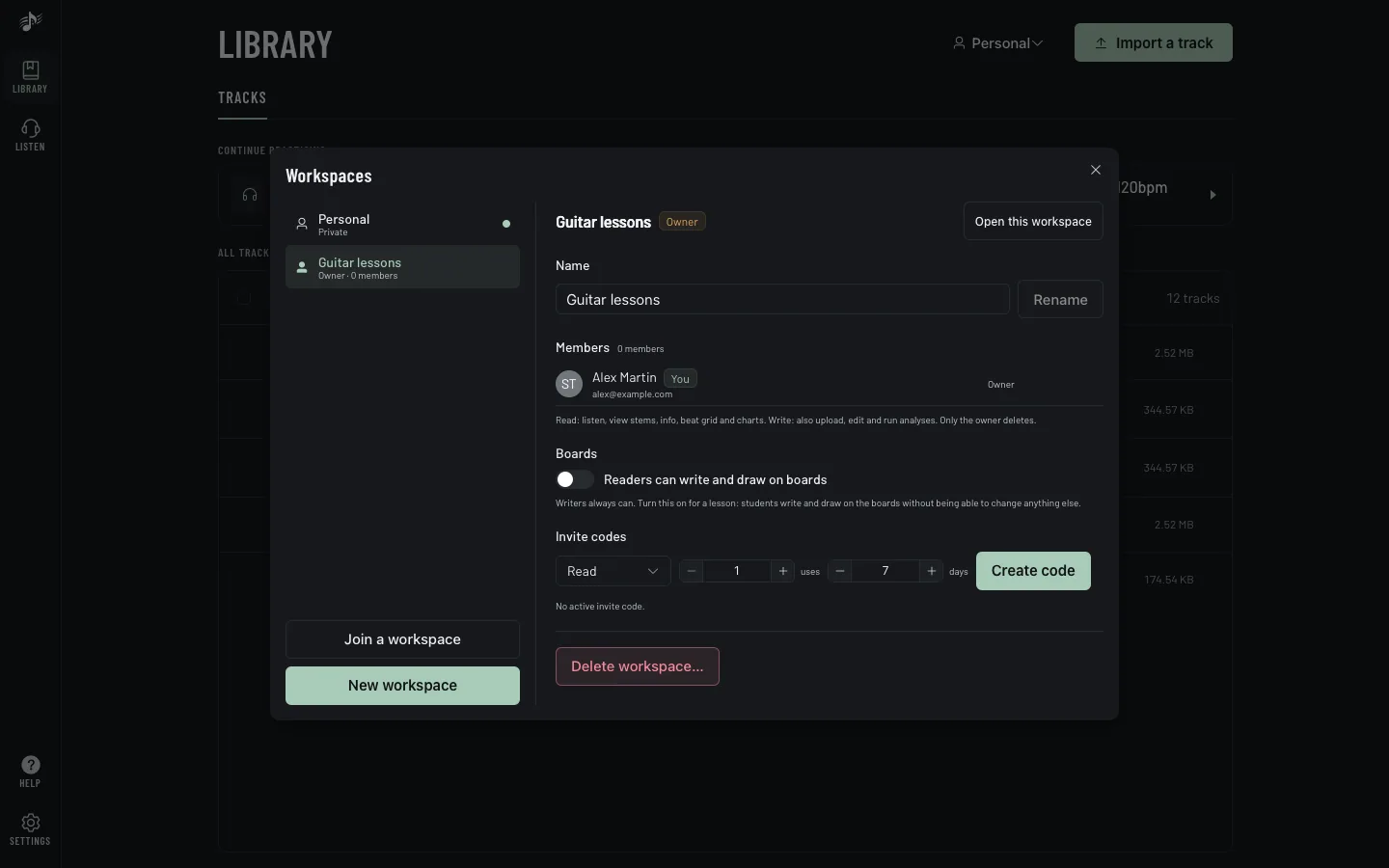
A private workspace for you, and one per band, class or project. Invite with a code, revoke anytime.
New accounts are by invitation for now. Got a code from your band, your teacher or a friend? Bring a track, slow it down, and build the layout that fits you.