Speed and pitch
Speed20–180%
Pitch±12 st
Independently. Slow a solo to half speed and it stays in key.
A practice room for musicians: change the speed without changing the key, transpose to your range, loop the hard bars and mute the part you want to play yourself.
Try it: press play, change the speed, switch the A–B loop off. [ ] set A and B in the app.
Your Practice page is a layout of panels. Start from a preset, then split, resize and swap panels until it fits how you work.
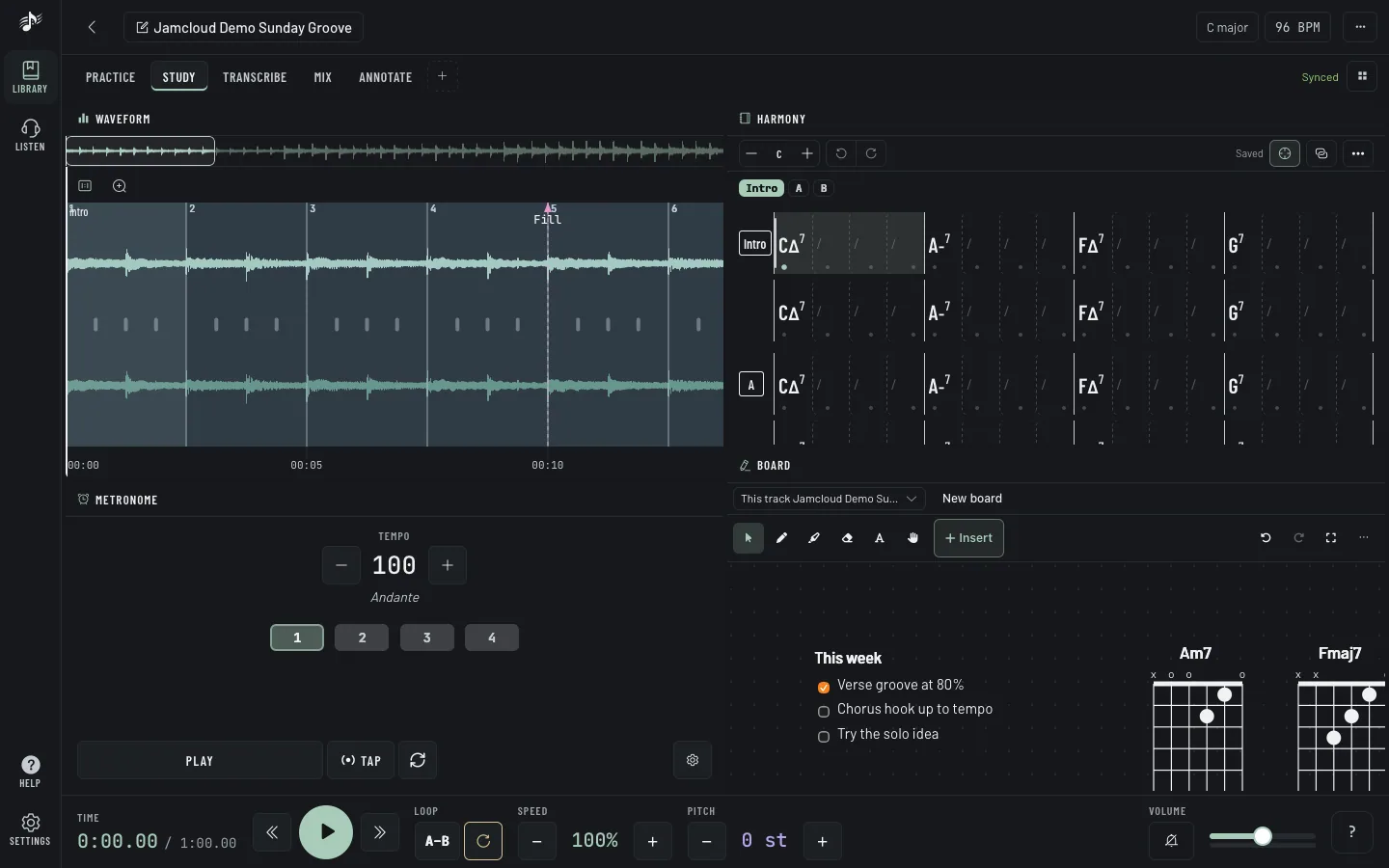
Chords and a metronome beside the track, notes on the board.
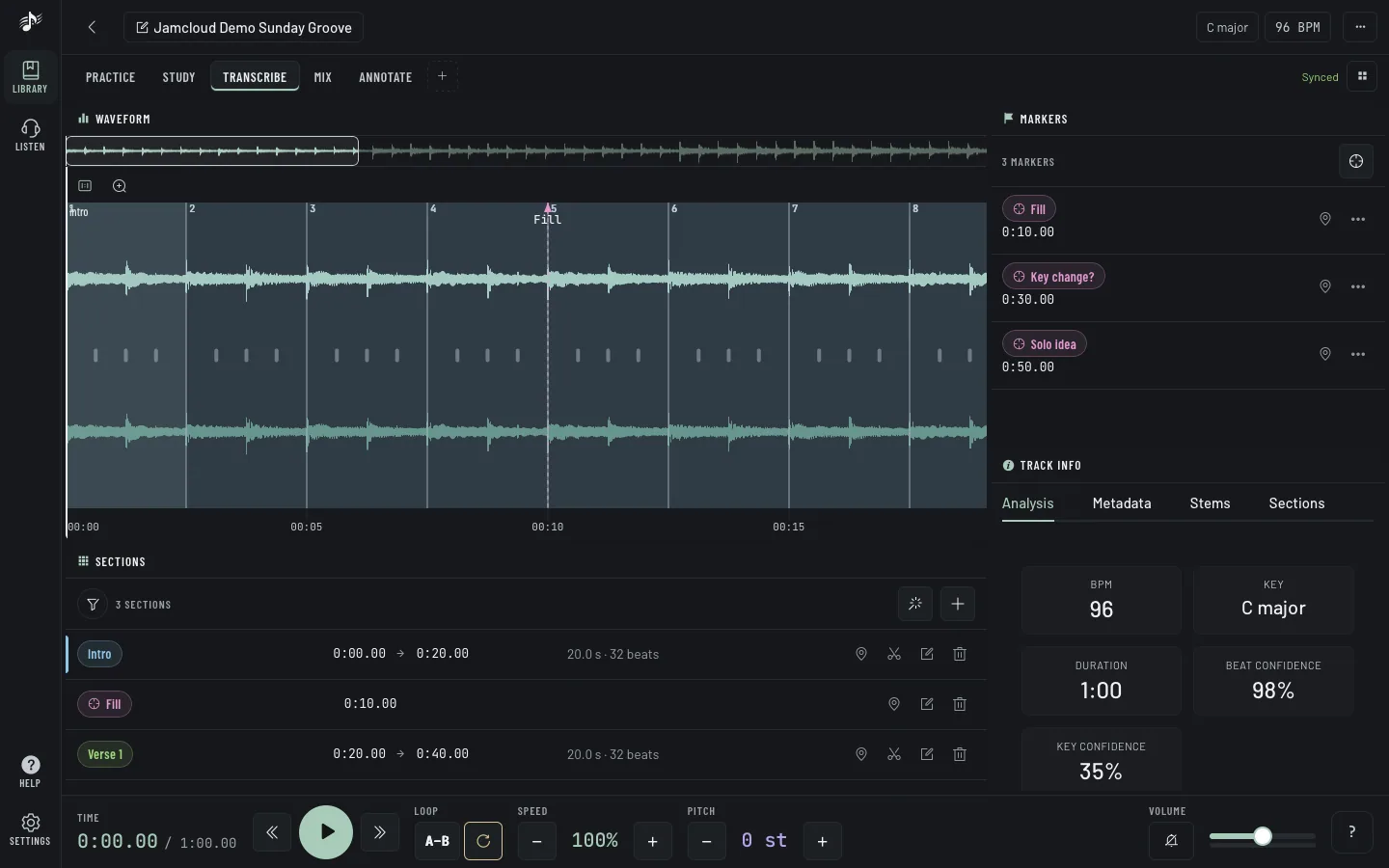
Sections and markers to map the song bar by bar.
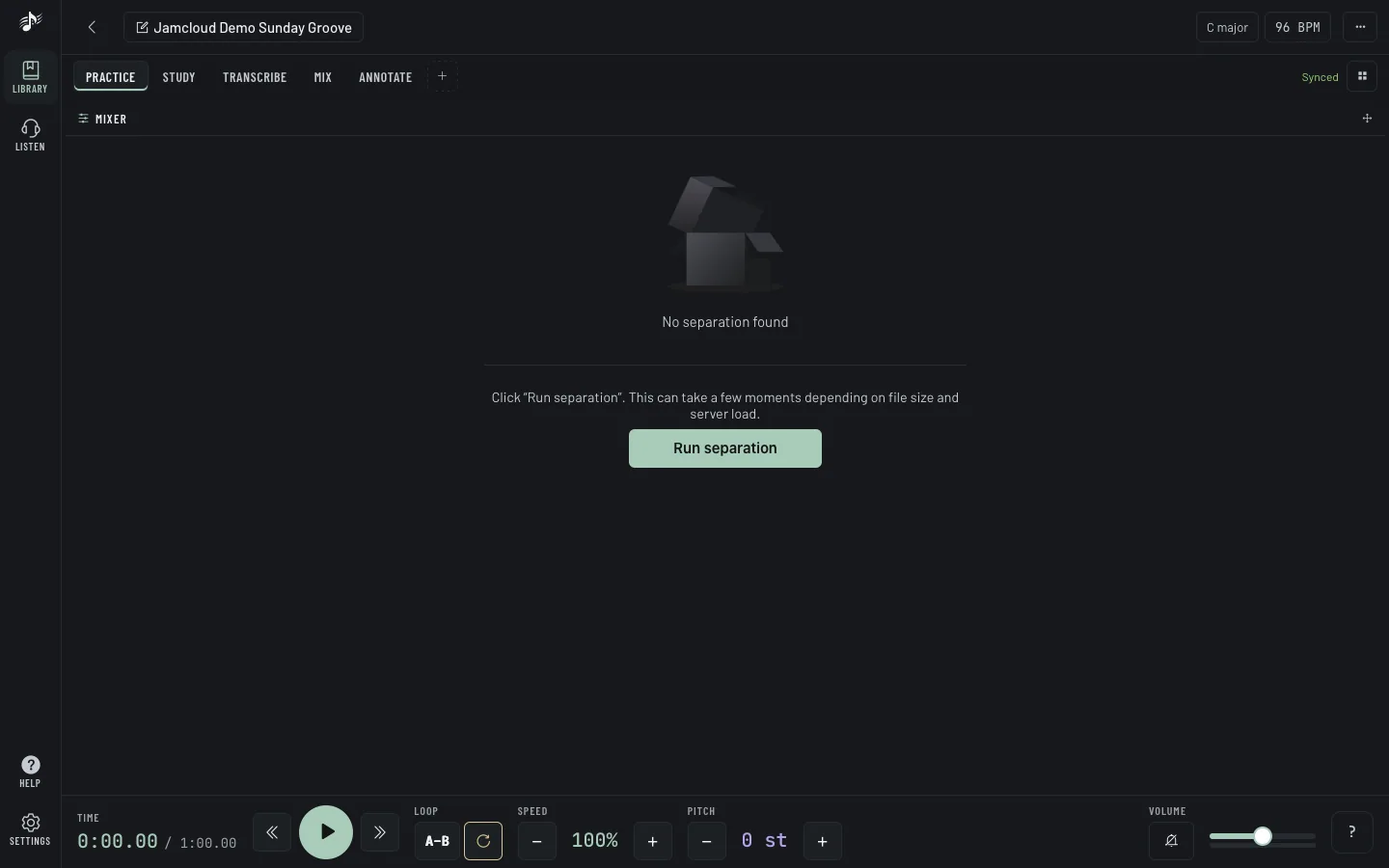
Stems on a mixer, sound settings next to them.
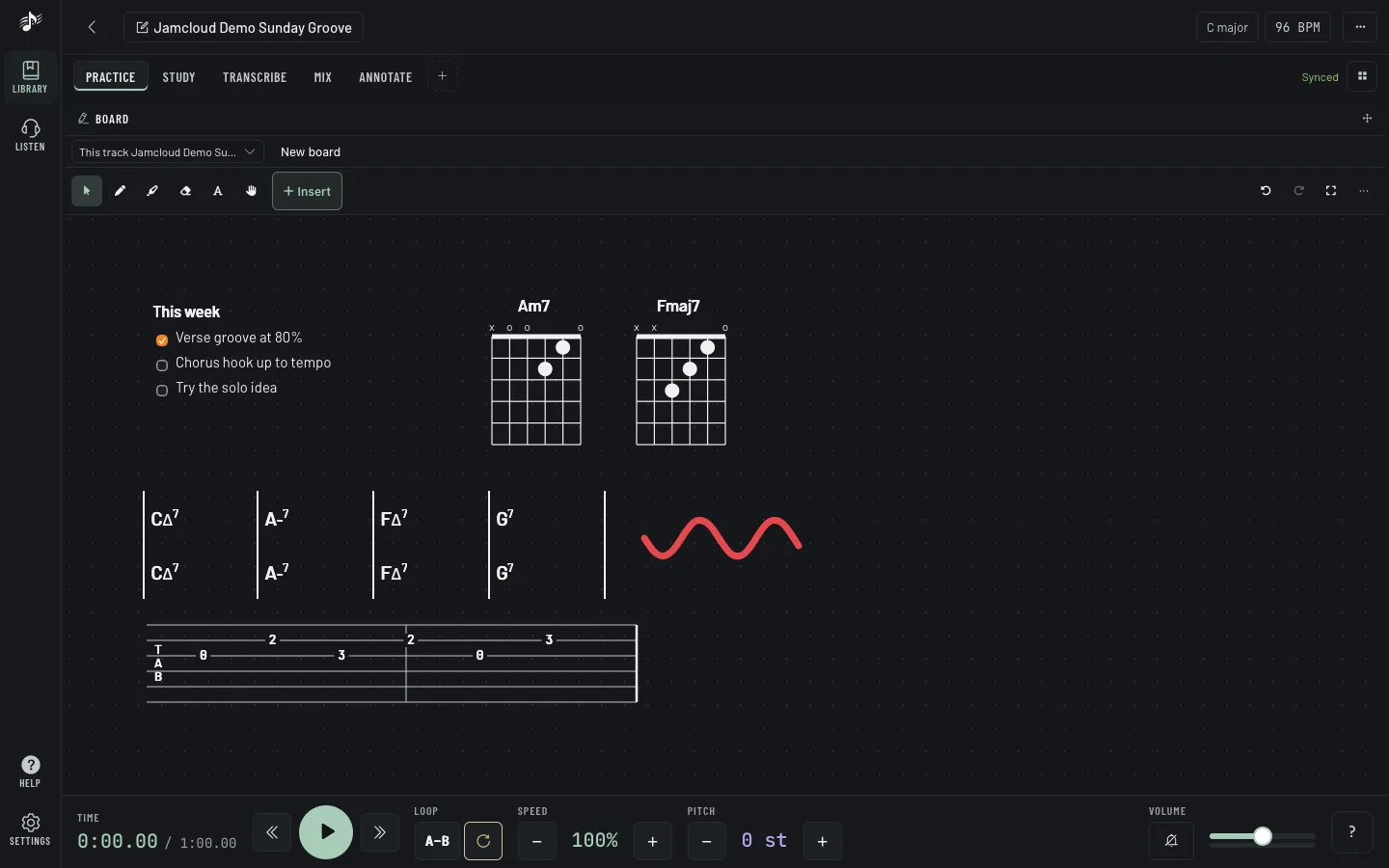
A board next to the track: text, ink, staffs, tabs and chord diagrams.
Independently. Slow a solo to half speed and it stays in key.
Set A and B with [ and ], save the bars you’re working on.
Split a track into instruments and turn yours down. Click M to mute a stem.
A chord grid that follows the beat. Guitar Pro and MusicXML scores.
One panel away, synced to the track if you want.
Text, ink, staffs, tabs and chord diagrams, live for the whole workspace.
Record over the track and compare your takes.
Practise alone in your own space, or share a workspace with your band or your students.
Every account has one. Only you see it.
One per band, class or project. Invite people with a code.
Viewers listen and follow, editors add tracks, loops and notes. Revoke access anytime.
Let viewers write and draw on boards without touching your tracks.
Warm, calm and legible at arm’s length, on a laptop or a phone on a music stand. Twenty themes, including one for dark stages and one safe for colour blindness. Pick one: this page follows.
New accounts are by invitation for now. Got a code from your band, your teacher or a friend? Bring a track, slow it down, and build the layout that fits you.